Your server can't read your messages
Messages, files and calls are end-to-end encrypted between the members of each conversation. The server stores and relays them without the keys.
MLS · IETF RFC 9420 · OpenMLS
Self-hosted · End-to-end encrypted
End-to-end encrypted messaging and calls for your team, on your own server. Invisible on the Internet. Only your enrolled devices get in.
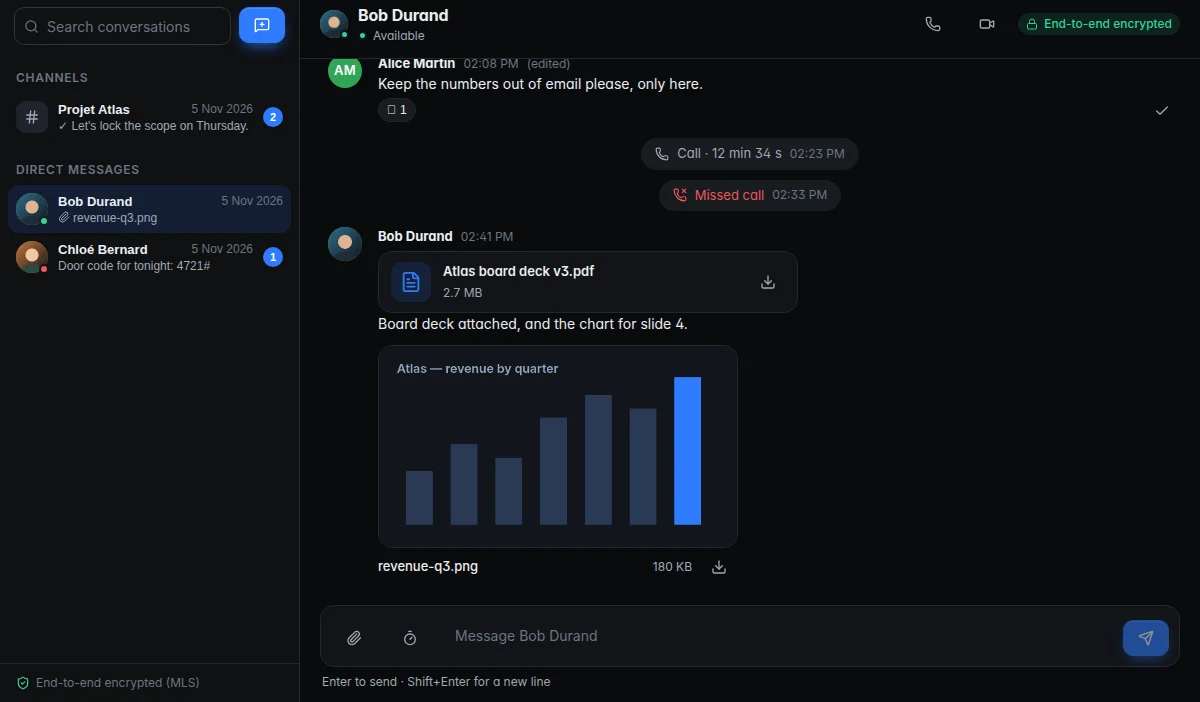
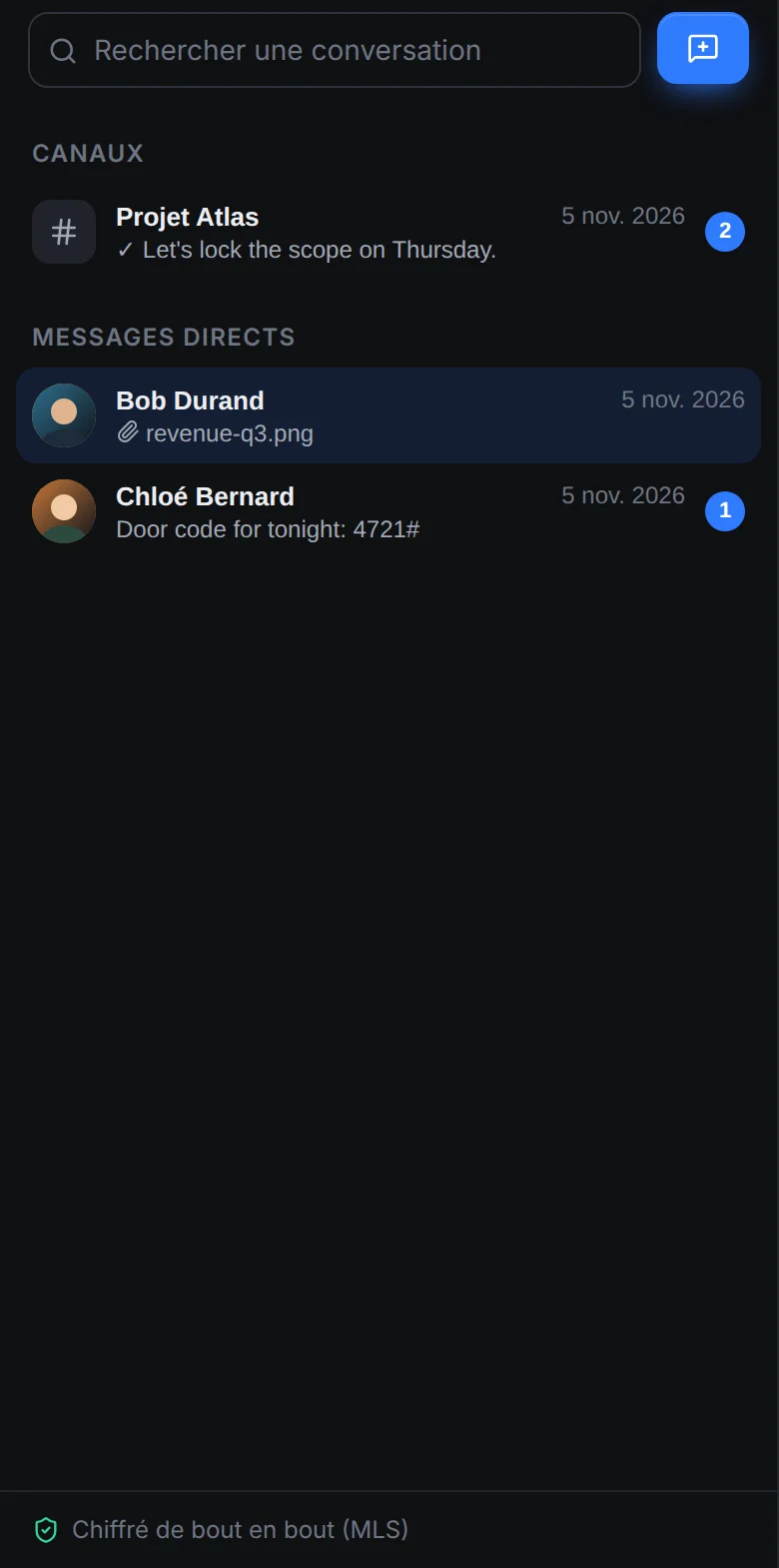
Everything a team needs
Channels, direct messages, files, reactions, search, presence, audio and video calls, screen sharing. On Windows, macOS and Android.
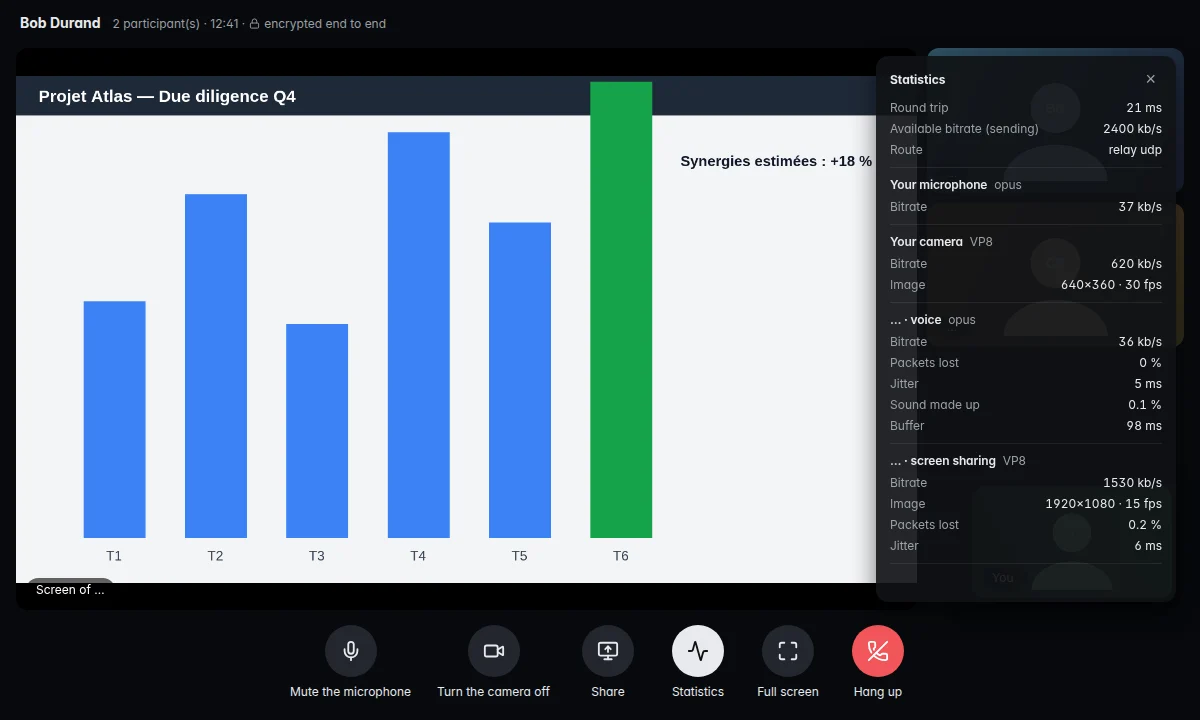
Audio and video calls, screen sharing, call statistics.
Messages, encrypted files, reactions, read receipts.
Android app, YubiKey over NFC.
Five pillars, each with its proof
Messages, files and calls are end-to-end encrypted between the members of each conversation. The server stores and relays them without the keys.
MLS · IETF RFC 9420 · OpenMLS
One UDP port, silent to anything that isn't authenticated. No public sign-in page, no exposed API: the application services exist only inside the encrypted application tunnel, in the office and remotely alike.
UDP 51823 · the only open port
A device joins through a single-use enrolment link; its key is created in the security chip and can't be copied. Every sign-in then takes that device, the password and a security key.
TPM · Secure Enclave · StrongBox · YubiKey
A native QNAP package: one read-only container with PostgreSQL built in, first setup in the browser, no command line. No cloud account, no third-party subscription to keep the messaging running.
QNAP QTS · Container Station
The app talks to your server and nothing else. Every release is signed and checked independently by the server, the host and the app; devices get their updates from your own server, through the tunnel.
Ed25519 · Authenticode, timestamped
How you get in
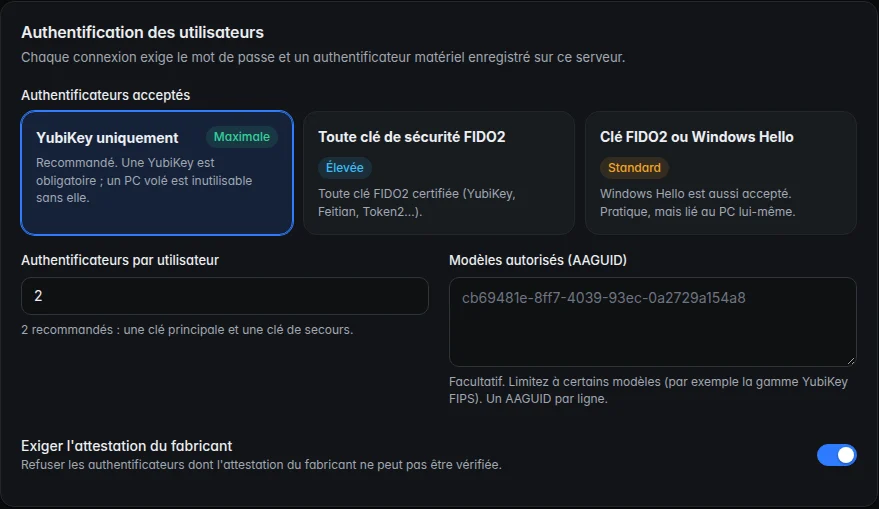
Every connection needs the device you enrolled, the password the person knows and the security key they hold. Lose any one and the door stays shut.
A single-use link (72 h by default) handed out by the administrator. The device key is created in the security chip and attested by the manufacturer; the administrator approves it with a 6-digit code compared out loud.
Without the tunnel, the server doesn't exist. Each device has its own tunnel key, renewed every 30 days, plus an additional pre-shared key.
Mutual TLS signed by the device's hardware key. The server checks that the tunnel address really belongs to that device.
Password, then a security key registered on this server (YubiKey PIN and touch). Sessions are limited (12 h by default) and lock after 15 minutes of inactivity.
MLS between the devices of the conversation's members. The server distributes them without being able to decrypt.
Each step is passed in this order. A failure at any one of them stops everything.
NyxTalk vs Slack and Teams
Slack and Teams keep your conversations in their cloud. NyxTalk keeps them on your server, encrypted so that even your server can't read them.
| Criterion | Slack | Microsoft Teams | NyxTalk |
|---|---|---|---|
| Where the data lives | Slack's cloud (Salesforce) | Microsoft 365 cloud | On your server, on your premises |
| Can the provider read the messages? | Technically yes: encryption at rest and in transit, server-side; customer-managed keys (EKM) as an option on Enterprise+ | Technically yes: encrypted at rest so that the organisation can decrypt content (eDiscovery); end-to-end encryption limited to one-to-one calls and Teams Premium meetings | No: MLS end-to-end encryption for every message, file and call |
| Exposure on the Internet | Public sign-in pages and APIs | Public sign-in pages and APIs | One silent UDP port; no public page or API |
| Who can sign in | Any device with the credentials (+ two-factor, depending on settings) | Any device with the credentials (+ Conditional Access, depending on licence) | Only an enrolled device, with password and security key |
For administrators
Install the QNAP package, open one port, set up everything in your browser. Revoke a lost device in one click. Signed updates for server and apps.
Request a demo and we'll help you set up NyxTalk on your own infrastructure.