Product
Everything your team uses every day. Encrypted end to end.
Messaging, calls, mobile and administration. Everything listed here ships on the stable channel today; what is still in preparation is in the roadmap, at the bottom of the page.
Messaging
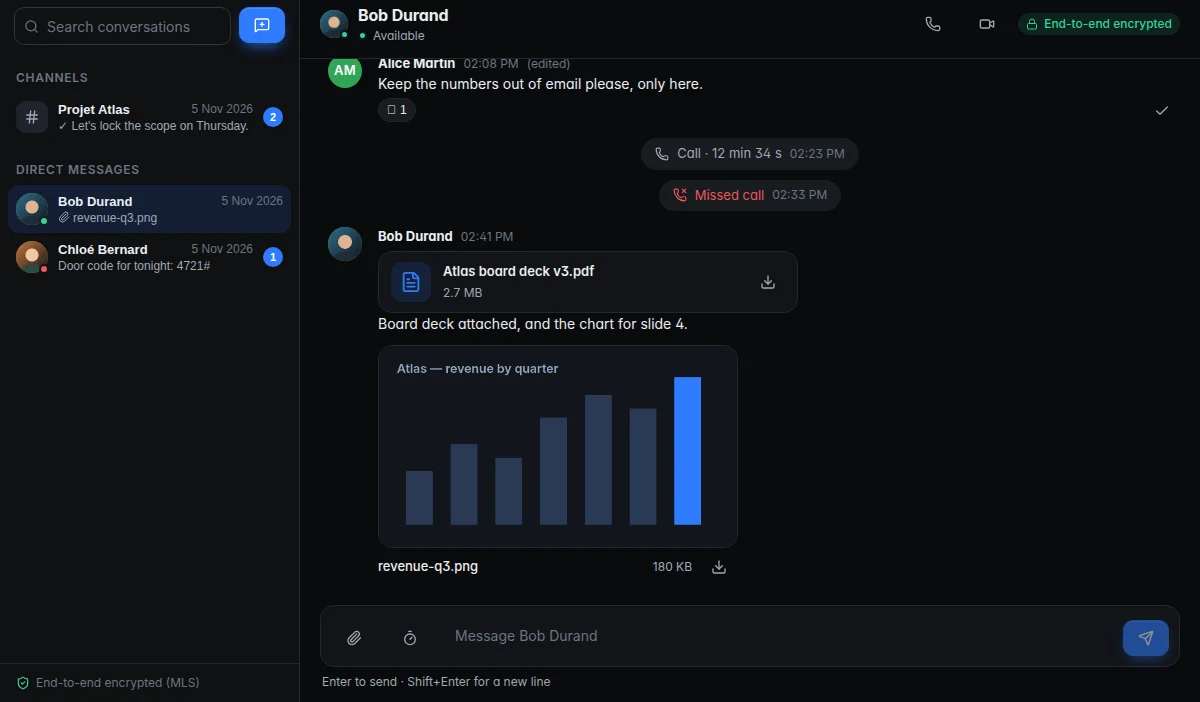
Channels and direct messages, end-to-end encrypted.
Conversations work the way your team expects. The difference is out of sight: the server stores them without being able to read them.
- Direct messages and channels, end-to-end encrypted
- Encrypted files and images, drag and drop
- Reactions, editing and deleting messages
- Local search — on the device, never on the server
- Unread counts, read receipts, notifications and sounds
- Presence status, profile pictures
- Message retention period set by the organisation
Calls
Audio, video and screen sharing, inside the tunnel.
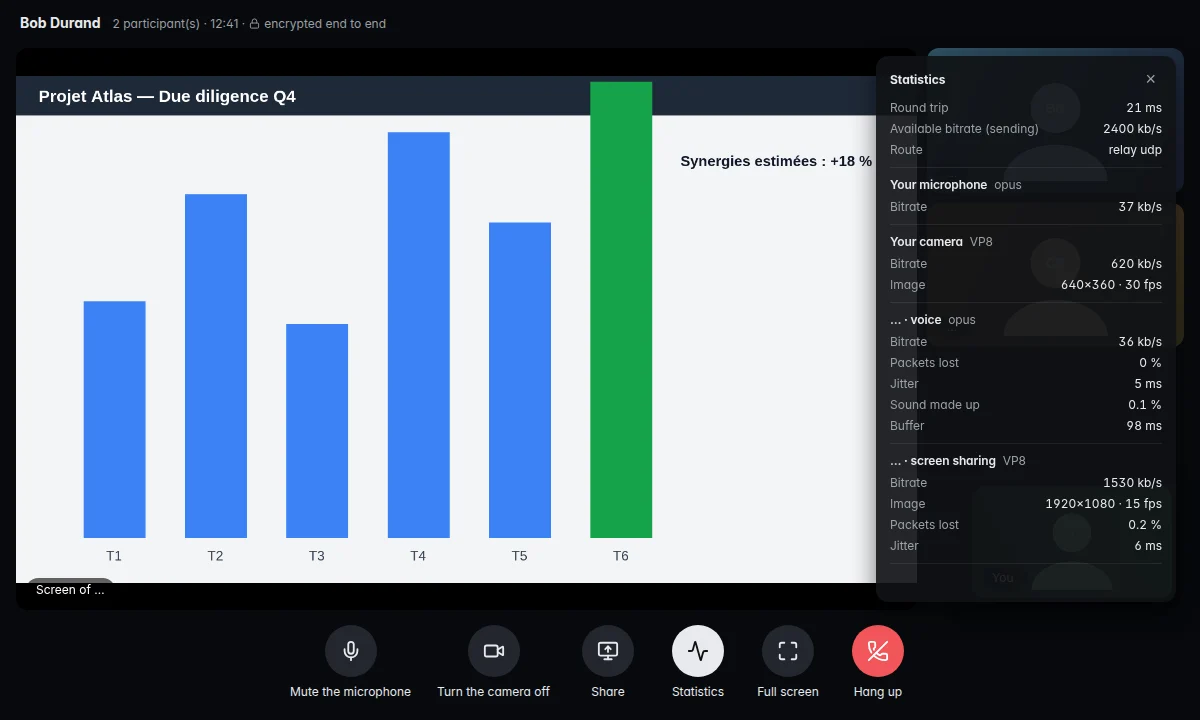
Calls are encrypted frame by frame with a key derived from the conversation's MLS group. All media goes through the tunnel; the server relays it without decrypting.
- Audio and video calls, one-to-one or in a channel
- Share your whole screen or a single window
- Noise reduction, audio and video settings
- Dedicated call window, ringtones, missed calls in the conversation
- Call statistics (quality, bitrate)
Mobile
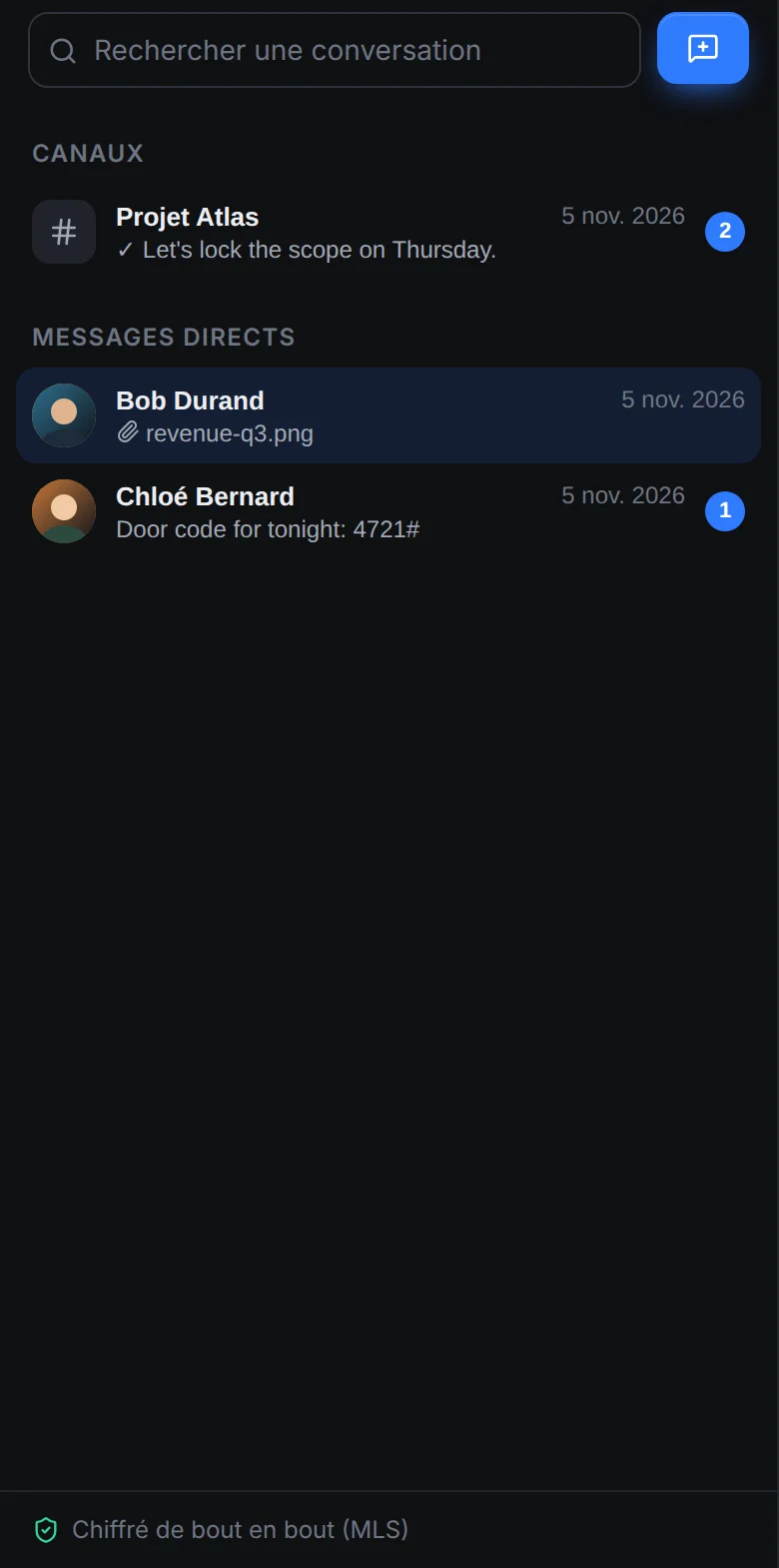
The same protection in your pocket.
On Android, the device key lives in the Keystore (StrongBox or TEE) with Google attestation, and the YubiKey works over NFC. No Google push notifications, by choice.
- Android app available (APK)
- iOS app built and tested — distribution coming soon
User security
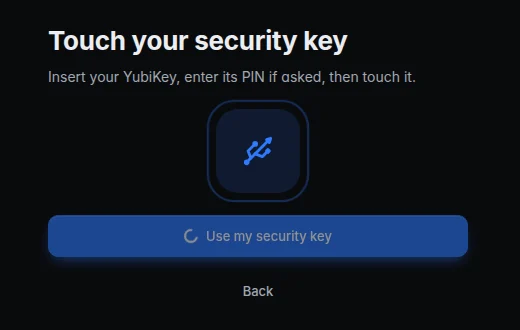
A security key for every sign-in.
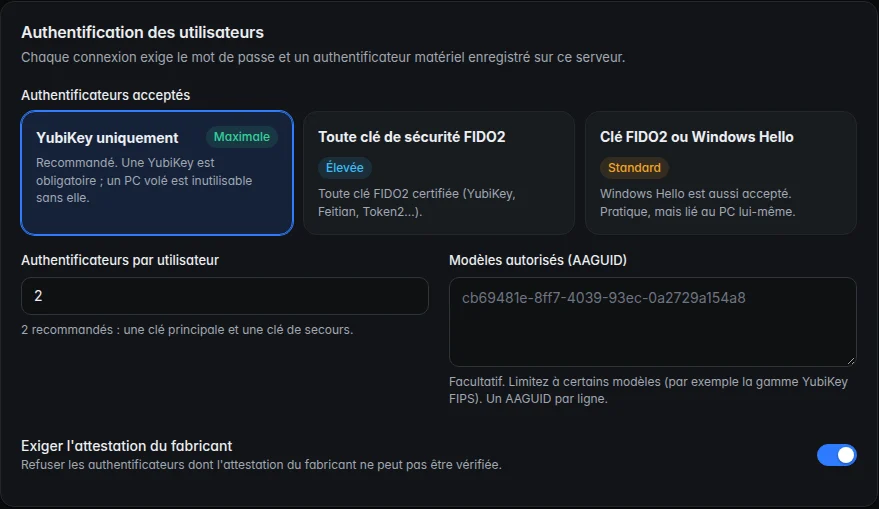
The second factor depends on the security level your organisation chooses — from a YubiKey only to an authenticator app.
- Sign in with a YubiKey (USB or NFC), another FIDO2 key, Windows Hello or an authenticator app, depending on the level
- Screenshot protection, lock after inactivity
- History restored on a new device thanks to the YubiKey, without key escrow
- Password and keys managed from the app
Administration
A console that tells you where you stand.
In the browser on your local network, or in the desktop app.
- Users, email invitations (SMTP), company domain
- Enrolment with approval and verification code; revoke a device in one click
- Four security levels to choose from
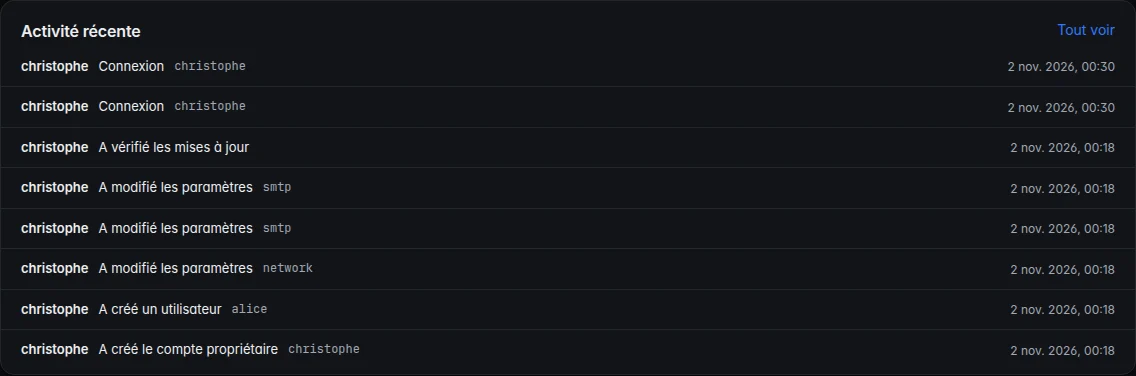
- Audit log, security score on the console's home page
- Signed server and device updates, triggered from the console
- Interface in English and French, four themes (two dark, two light)
Roadmap
Coming next.
Not available yet. Listed here so you know where NyxTalk is going — never presented as available anywhere else on this site.
- Coming soonServer on Ubuntu (.deb package), in addition to QNAP
- Coming sooniOS app distribution (built and tested)
- Coming soonPassword never seen by the server (OPAQUE protocol)
- Coming soonHybrid post-quantum MLS cipher suite
- Coming soonEncrypted application tunnel over TCP, for networks that block UDP
- Coming soonUpdate rollout rings (pilot / general)
See it on your own infrastructure.
Request a demo: we'll walk you through NyxTalk and help you install it.